
Still using Campaign Monitor for your emails?
You’re not alone. It’s clean, reliable, and makes campaigns look polished. But when your list grows, you pay more. And when you need real automation, SMS, or ecommerce triggers, you start hitting walls.
If you’ve been thinking about switching from Campaign Monitor to cheaper email platforms with stronger features, you’re in the right place.
I tested the top ones to see which tools actually give you better design, automation, and AI without the premium price tag. You get straightforward breakdowns, pricing details, and who each tool is best for.
One quick thing before we jump in. Prices change fast in the SaaS world. Please refer to the official pricing page for the latest. That applies to every tool mentioned here.
Why Are Marketers Looking for Campaign Monitor Alternatives for Email Marketing?
Campaign Monitor nails the basics: drag-and-drop emails, templates, and client sub-accounts. But modern teams want more than broadcasts.
You need visual automation builders, AI-driven optimization and insights, ecommerce triggers, and multichannel campaigns that include SMS and push. You also want free plans that let you test before you pay.
The biggest complaints? Costs climb fast as contacts grow, there’s no built-in ecommerce automation, and AI tools are missing.
So let’s fix that.
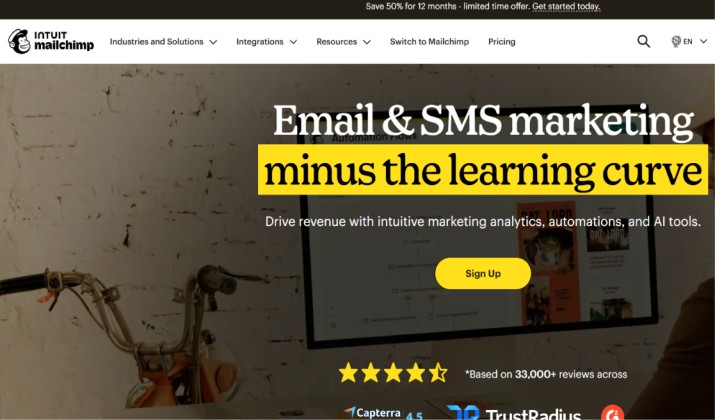
1. Mailchimp
Best for: Small businesses wanting all-in-one marketing
If you want name recognition plus an all-in-one suite, Mailchimp still leads. You get a polished drag-and-drop editor, solid templates, AI content tools, and a huge integration library.
It’s ideal when you run newsletters or sell digital products as part of your community events, because Mailchimp connects to event tools and landing pages fast.
Strengths: Beginner friendly, tons of integrations, landing pages and forms included. Campaign-level metrics like opens and clicks are easy to read.
Tradeoff: Pricing climbs as your audience grows.
Pricing: Mailchimp pricing is tiered by the number of contacts in your audience, meaning your monthly cost increases as your subscriber list grows. They offer four main plans:
- Free: $0/month for up to 250 contacts and 500 email sends per month (daily limit of 250 sends).
- Essentials: Starts at $13/month for up to 500 contacts. Includes email scheduling, A/B testing, 24/7 support, and removes Mailchimp branding.
- Standard: Starts at $20/month for up to 500 contacts. Adds multi-step automation, send-time optimization, and dynamic content.
- Premium: Starts at $350/month for up to 10,000 contacts, scaling up to $1,600/month for 200,000+ contacts. Includes advanced segmentation, multivariate testing, and role-based access.
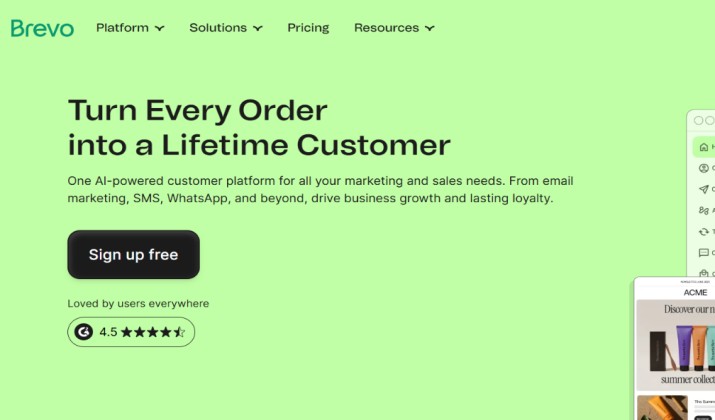
2. Brevo
Best for: Budget-friendly, multichannel marketing
Need email, SMS, WhatsApp, and CRM in one dashboard without paying per contact? Brevo is your pick.
It’s built for small businesses that want multichannel alternatives with SMS, push, and automation without enterprise pricing.
Strengths: Free plan available. Includes CRM context, chat, and transactional email. Great as a cheaper email tool for large lists compared to Campaign Monitor.
Tradeoff: Lower tiers are send-volume based, so check contact storage and add-ons.
Pricing: Brevo’s pricing is primarily based on the number of emails you send rather than the number of contacts stored, making it highly cost-effective.
Paid plans start at $9/month (for 5,000 emails), and every paid plan includes unlimited contact storage.Here is how the pricing structure breaks down:
- Free Plan: This is free and supports up to 300 emails/day. You get drag-and-drop builder, basic templates, and list management.
- Starter Plan: Available at $9/month (bills at $8.08/month if paid annually), this plan starts at 5,000 emails/month. You get everything in Free, plus AI content generators, advanced segmentation, and email support. Brevo branding is removed for an additional fee.
- Standard Plan: This is priced at $18/month and supports volumes starting from 5,000 emails/month (scales up based on volume). You get everything in Starter, plus unlimited marketing automation, landing pages, and basic reporting.
- Professional & Enterprise Plans: The Professional plan starts at $499/month for advanced features like predictive sending, multi-user access, and phone support. Enterprise plan comes with custom pricing for large-scale operations requiring SSO, advanced security, and custom onboarding.
3. ActiveCampaign
Best for: Advanced automation and CRM
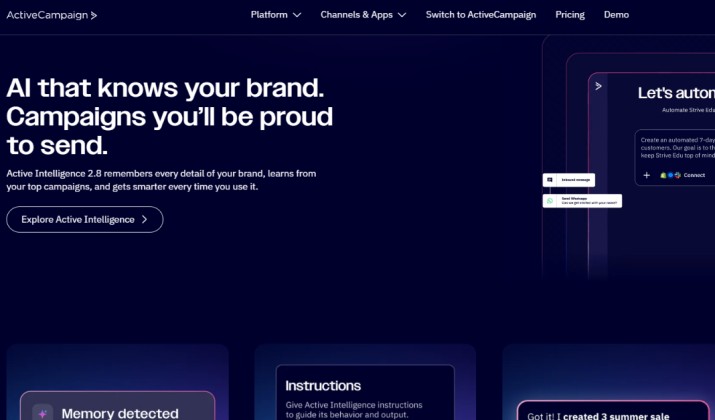
When you need Campaign Monitor alternatives with advanced automation, ActiveCampaign is the benchmark. You build visual automations that react to site visits, purchases, and custom events. Plus, it bundles CRM and sales automation so your team can track deals right inside your email tool.
Strengths: 900+ integrations, AI capabilities, dynamic content, and lifecycle marketing. Strong for complex workflows.
Tradeoff: No permanent free plan and more complex than basic tools.
Pricing: ActiveCampaign pricing is contact-based and scales significantly as your email list grows. Plans are divided into tiers with varying levels of marketing automation, CRM, and AI features.
All entry prices are based on a baseline of 1,000 contacts and require an annual commitment.
- Starter ($15/month): Basic email marketing, pre-built automation recipes, limited AI features, and one user seat.
- Plus ($49/month): Adds unlimited automation actions, landing pages, site messaging, sales automation, and 3 user seats.
- Pro ($79/month): Adds predictive content, attribution tracking, predictive sending, and 5 user seats.
- Enterprise ($145/month): Designed for larger teams with custom reporting, dedicated account support, and advanced security.
4. MailerLite
Best for: simple and affordable design-focused email marketing
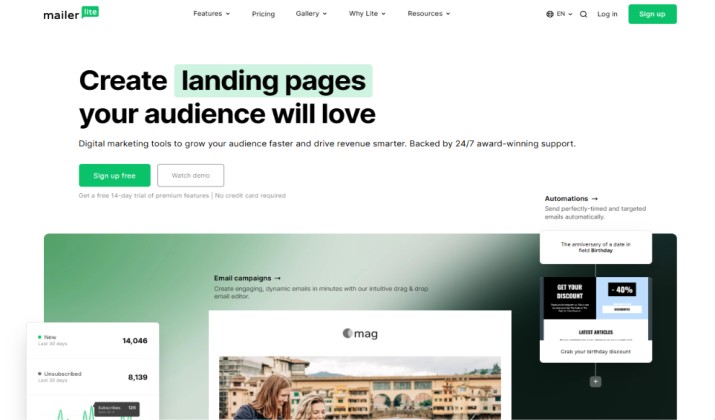
MailerLite keeps things simple and fast. You get a clean drag-and-drop editor, automation, landing pages, and 24/7 support.
It’s one of the best Campaign Monitor alternatives if you care about email platforms with beautiful templates and on-brand design but hate complicated setups.
Strengths: Intuitive interface, robust automation, great support. Less advanced for deep CRM needs.
Pricing: MailerLite pricing is split into a Free plan and paid tiers (Growing Business and Advanced) based purely on your subscriber count, with unlimited monthly emails across all paid options. Annual billing provides a 10% discount.
- Free Plan: The free plan supports up to 250 active subscribers and 2,500 monthly emails. It includes two user seats, the drag-and-drop editor, one website/landing page, one digital product, and basic automation.
- Growing Business: This plan starts at $10/month. It supports up to 1,000 subscribers (scales up as your list grows). The plan offers unlimited monthly emails, three user seats, 24/7 email support, unlimited templates, dynamic emails, and the removal of the MailerLite logo.
- Advanced: The pricing for this starts at $20/month. It supports up to 1,000 subscribers (scales up with your list size). The plan offers everything in Growing Business plus unlimited user seats, 24/7 live chat support, AI writing assistant, multiple trigger automations, and advanced analytics.
- Enterprise: This plan comes with custom pricing and supports 100,000+ subscribers. Its features include a dedicated account manager, custom IP, and advanced deliverability features.
5. Flodesk
Best for: Design-centric email marketing with flat pricing
Designers, creators, and brands that live on aesthetics pick Flodesk. You get gorgeous templates, custom fonts, and flat-rate pricing no matter your list size. That makes it a standout for email platforms with beautiful templates and on-brand design.
Strengths: Visual email design with built-in automation. Upload custom fonts to stay on-brand.
Tradeoff: Fewer deep ecommerce or CRM features than Klaviyo or ActiveCampaign.
Pricing: Flodesk pricing is based on tiered plans and your active subscriber count, offering paid options starting as low as $19/month. All paid plans include unlimited email sends.
- Free Plan: $0/month. Access to forms, landing pages, and basic templates. Limited to 1 automation workflow and requires Flodesk branding.
- Lite Plan: Starts at $19/month (if billed annually) or $24/month (billed monthly) for up to 1,000 subscribers. Includes unlimited emails, 1 workflow, and retains Flodesk branding.
- Pro Plan: Starts at $25/month (billed annually) or $35/month (billed monthly) for up to 1,000 subscribers. Unlocks unlimited workflows, removes Flodesk branding, and allows for advanced analytics.
- Everything Plan: Starts at $49/month (billed annually) or $59/month (billed monthly) for up to 1,000 subscribers. Adds unlimited checkouts, upsells, payment plans, and abandoned cart features.
6. Klaviyo
Best for: Ecommerce email marketing
If you run a Shopify or WooCommerce store, you need data you can act on. Campaign Monitor tracks opens, but it doesn’t show you revenue per flow. Klaviyo does. You get AI-powered marketing and data-driven automation built for ecommerce.
You can see exactly how much money your welcome series or cart recovery flow makes. You also get product recommendations, predictive analytics, and segmentation based on purchase behavior.
If you host livestreams and drop product links, Klaviyo tags every click and sale so you know what worked.
Pricing: Klaviyo’s pricing is based on the number of active profiles (contacts) in your account rather than the number of emails you send. The platform offers a free tier, core paid plans, and specialized add-ons.
- Free Plan: Up to 250 active profiles, 500 monthly emails, and 150 SMS credits. Includes Klaviyo branding on emails and limited support.
- Email Plan: Starts at $20/month for up to 500 contacts. As you scale, it costs roughly $60/month for 2,500 contacts, and $150/month for 10,000 contacts.
- Email + SMS Plan: Combines email with SMS marketing. You pay the base email rate plus the cost of SMS credits (e.g., adding roughly $15/month for 1,250 SMS credits).
7. Omnisend
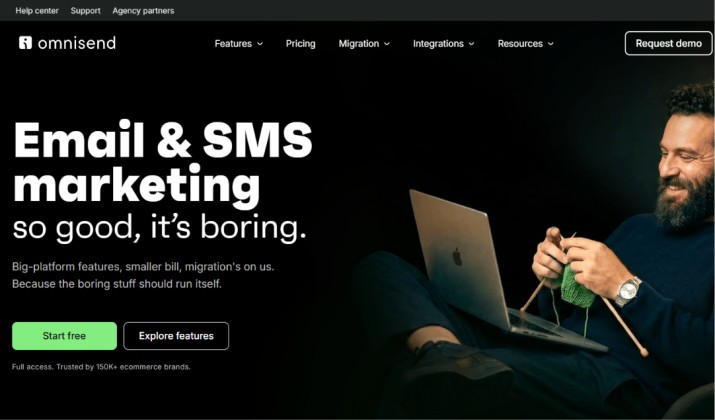
Best for: Email and SMS automation in one flow
Omnisend was built for ecommerce stores that need more than email. You get pre-built automations for welcome, cart abandonment, and browse abandonment, and you can add SMS into the same workflow. No need to juggle two tools.
You also get product picker blocks, discount codes, and deep Shopify integration. If you promote flash sales during events, Omnisend tracks clicks and conversions from that campaign automatically. That means you see ROI without extra setup.
Pricing: Omnisend pricing operates on tiered, list-size-dependent basis. As your subscriber list grows, your plan cost increases. Pricing ranges from a free tier for small stores to higher-tier scaling plans for high-volume senders.
- Free Plan: This plan supports up to 250 contacts and 500 emails/month. It gives you access to email campaigns, sign-up forms, segmentation, and web push notifications. (SMS and some advanced AI features require an upgrade).
- Standard Plan: Priced at $16/month (for up to 500 contacts), the monthly send limit of this plan is 12 times your contact count. It features everything in the Free plan, plus 24/7 priority support, unlimited web push notifications, and audience builder/segmentation. SMS is not included in this plan.
- Pro Plan: This plan starts at $59/month (for up to 2,500 contacts). It gives you unlimited emails and unlimited web push notifications. It offers everything in Standard, plus advanced AI tools, custom workflows, and advanced reporting. SMS is available as an add-on.
If you purchase a paid plan for the first time, Omnisend typically offers a 30% discount for your first 3 months. Further discounts can be unlocked if you commit to annual or biennial billing.
8. Sender
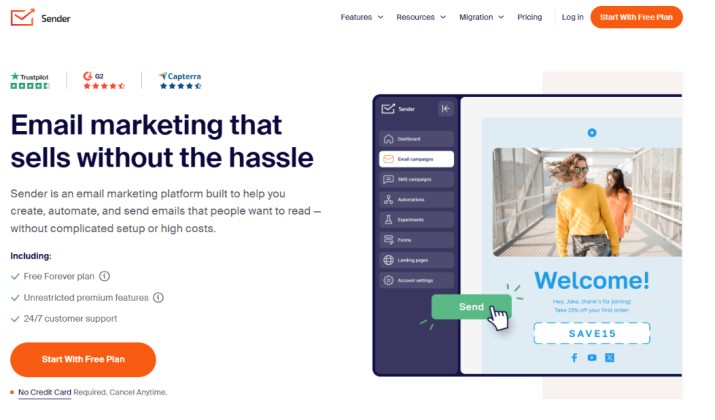
Best for: Budget-friendly Campaign Monitor alternative with automation
When your budget is tight but you still need real features, Sender delivers. You get a strong free plan that includes automation, forms, and SMS. Most free tools limit workflows. Sender doesn’t.
It’s a solid pick for startups and creators who run newsletters and events. You can send automated follow-ups based on who clicked or RSVP’d. You don’t pay extra for those actions.
Sender pricing : Sender offers highly competitive email and SMS marketing pricing with a generous free-forever tier and paid plans starting as low as $7/month. Plans scale according to your subscriber count and monthly sending volume, with options for monthly or annual billing.
A breakdown of their primary plans includes:
- Free Forever: Perfect for beginners, allowing up to 2,500 subscribers and 15,000 emails per month. Includes core automations and signup forms.
- Standard: Starts at approximately $7/month (depending on subscriber tier). Removes Sender branding, adds SMS/MMS messaging, and allows 3 role-based seats.
- Professional: Starts around $14/month. Designed for e-commerce, it adds advanced automation, priority support, and up to 10 seats.
- Enterprise: Custom pricing for large organizations needing unlimited emails, dedicated IPs, and advanced security (e.g., SSO).
9. EmailOctopus
Best for: Simple, reliable email at the lowest price
EmailOctopus connects to Amazon SES, which cuts send costs dramatically for large lists. The interface stays clean and beginner-friendly.
You still get templates, automation, and landing pages. You just skip the bloat. It’s perfect if you email a big list weekly and want to keep costs predictable. You can send that invite to 50,000 people without blowing your budget.
Pricing: EmailOctopus is one of the most affordable email marketing platforms available, offering a generous free tier and simple paid plans that scale based on your subscriber count.
- Starter (Free): Up to 2,500 subscribers and 10,000 emails per month. Includes all core features, though advanced automations are limited.
- Pro (Starts at $9/month): Scales upward depending on your list size. Includes unlimited users, advanced automation, and premium support.
For advanced users with massive lists, they offer EmailOctopus Connect. This links directly to your own Amazon Web Services (AWS) account, allowing you to pay rock-bottom AWS sending rates alongside a small hosting fee from EmailOctopus.
10. Constant Contact
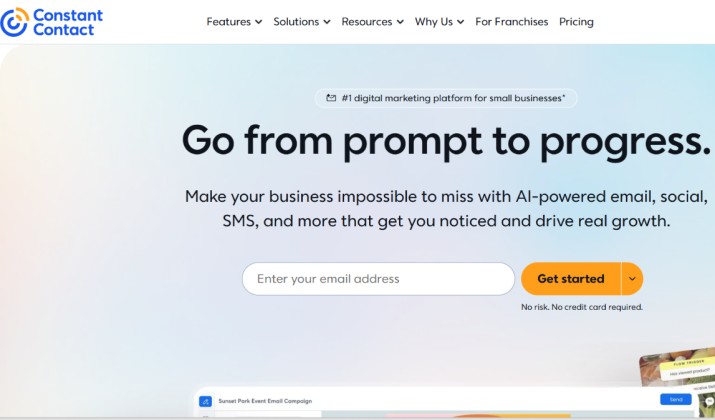
Best for: Event and nonprofit email platform
If you run events, nonprofits, or local businesses, Constant Contact keeps things simple. You get templates, event tools, and social integration. It’s trial-focused and built for teams that want hands-on support.
Strengths: Easy editor and event management.
Tradeoff: Less flexible for advanced automation.
Pricing: Constant Contact pricing uses a contact-based model that scales with the size of your subscriber list. Plans start at $12/month for up to 500 contacts. While it offers highly intuitive tools, prices increase steeply as your list grows, and there is no permanent free tier.
The main pricing tiers operate as follows:
- Lite: Starts at $12/month. Includes basic email marketing, social media posting, and event marketing. Limits you to 1 user and restricts you to 10× your contact count in monthly email sends.
- Standard: Starts at $35/month. Includes everything in Lite, plus email scheduling, A/B testing, and automation. Allows 3 users and up to 12× monthly sends.
- Premium: Starts at $80/month. Includes everything in Standard, plus custom automation paths, advanced segmentation, unlimited users, and SEO tools.
Which Tool Should You Use?
ActiveCampaign beats Campaign Monitor for most growing businesses. You get automation, CRM, and integrations at a lower cost.
For ecommerce: Choose Klaviyo. You need revenue tracking, not just opens.
For simplicity: Choose MailerLite.
Test it yourself. Pick two free plans, rebuild one flow, and measure for 30 days. Numbers don’t lie.
And yes, use it to run your next email marketing campaign. Set the form, automate the reminders, and track real attendance. That’s the upgrade you’re paying for.