The PrintShop offers various design and layout tools, including graphic design, page layout, photo editing, etc. It’s an excellent tool to use at home and in the office. It enables you to create top-quality materials without design experience.
The PrintShop comes loaded with over 6,700 design templates, easy text editing and photo editing tools, great page layout tools, more than 262,000 photos, clip art, and other features you need to design impressive projects for office, home, and school.
For years, the software has continued to add new functionality and features to ensure you have maximum flexibility in all your creative projects.
Now you can enjoy the best designs using its new master page creator, Facebook photo importing, quick access to tools, a new custom border creator, and more than 12,000 royalty-free images and backgrounds.
Designed for commercial and home office use, The PrintShop is ready to help you create printable publications, including banners, business cards, brochures, posters, business cards, and resumes.
Include different elements like tables, hyperlinks, flowchart shapes, callouts, images, text, frames, effects, and shapes to make them more interactive and engaging. Additional features include thesaurus, spellcheck, photo editor, OCR tool, etc.
You can also save your projects in multiple formats, including doc, pdf, SVG, docx, eps, png, etc.
However, you have to purchase a license to use PrintShop. But there are free alternatives you can use to design your projects in the same way you do with PrintShop without paying a dime.
Let’s find out more.
Interesting Post: Custom Map Maker Websites
Free PrintShop Alternatives
1. Canva
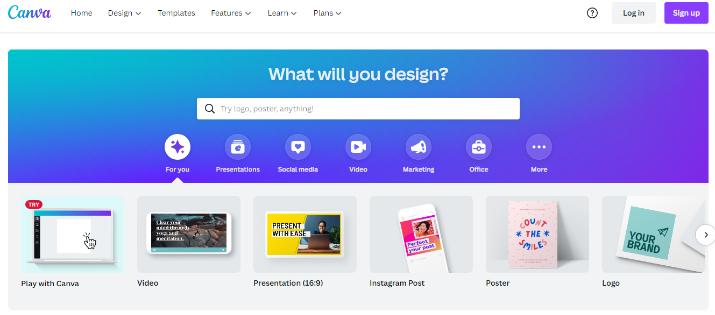
Canva is a graphic design platform for creating business cards, posters, catalogs, newsletters, annual reports, social media posts, business cards, invitations, etc. It is a strong alternative to PrintShop with a simple drag and drop interface that helps customize projects.
The software gives you access to a comprehensive library of vectors, photos, fonts, graphics, and more. It comes with tools for print and web media design and graphics. It is quite friendly for non-designers too.
Its rich feature set and simple processes make it ideal for desktop publishing. You can easily edit your photos on Canva without any photo editing skills. It comes with professionally designed templates to get you started.
There’s no limit to your creativity when it comes to Canva. Its customizable workspace allows you to work with templates, videos, fonts, photos, etc. Unlike PrintShop, you can easily design websites and infographics here.
Its free version alone has more than 250,000 templates, hundreds of social media posts, 5GB of cloud storage, presentations, and emails. It also has various output formats to help you convert your content to a file of your choice.
2. Vista Create
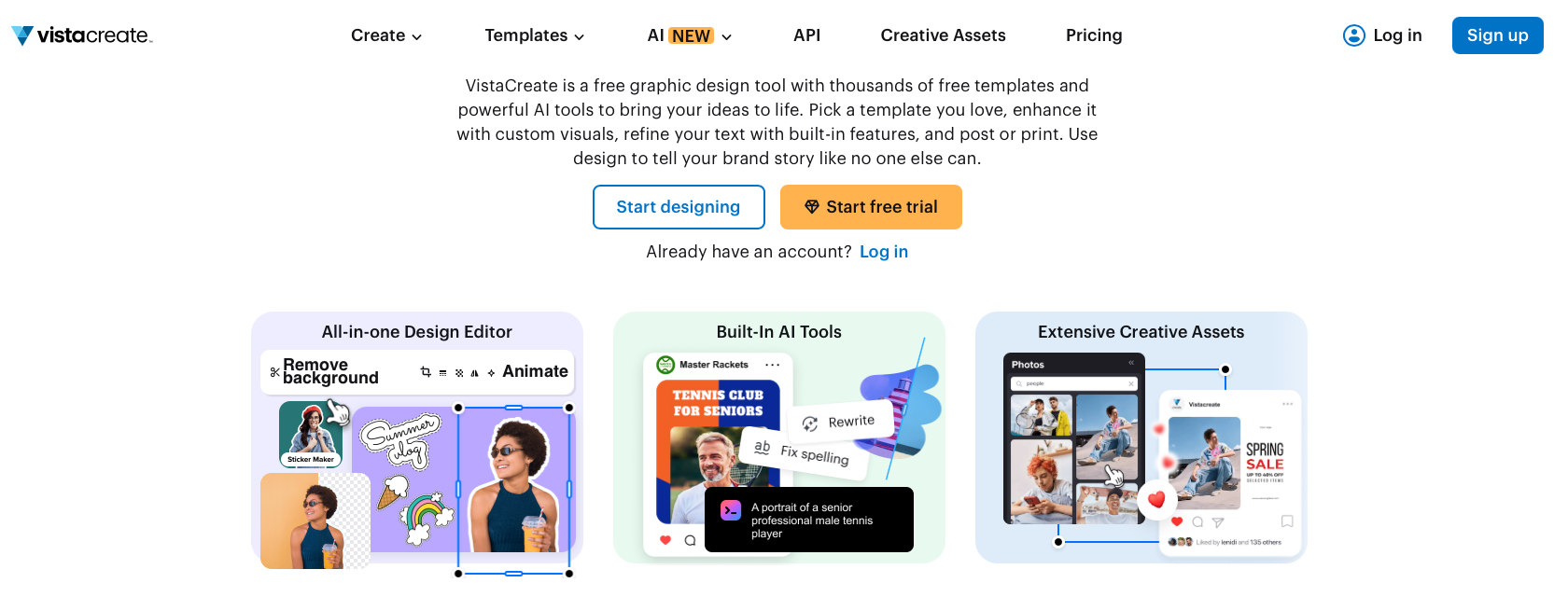
Formerly known as Crello, Vista Create offers countless professional templates. It lets you design publications and marketing materials, including brochures, business cards, catalogs, etc.
It has more than 30,000 pre-made templates, 9,000+ animated templates, and more than 650,000. Its intuitive interface has a quick search button that you can use to locate the features and functionalities you need for your projects.
Vista Create has a free basic plan with tools to get the work done. It allows you to download five designs per month. Its visual editor ensures you have all tools on hand. It’ll help you choose among the many photos and design formats.
Vista Create will give you the right tools to humanize when you have an idea and want to share it with the world. For all your advertising, blogs, animated designs, social media, print, marketing, and events, count on Vista Create for the best designs.
The software offers instant removal of backgrounds when you need to. And it has more stimulating effects than PrintShop, including speech bubbles and frames. You’ll also find fun design elements like badges and stickers, etc.
Also Read: Best Merch Informer Alternatives
3. Marq
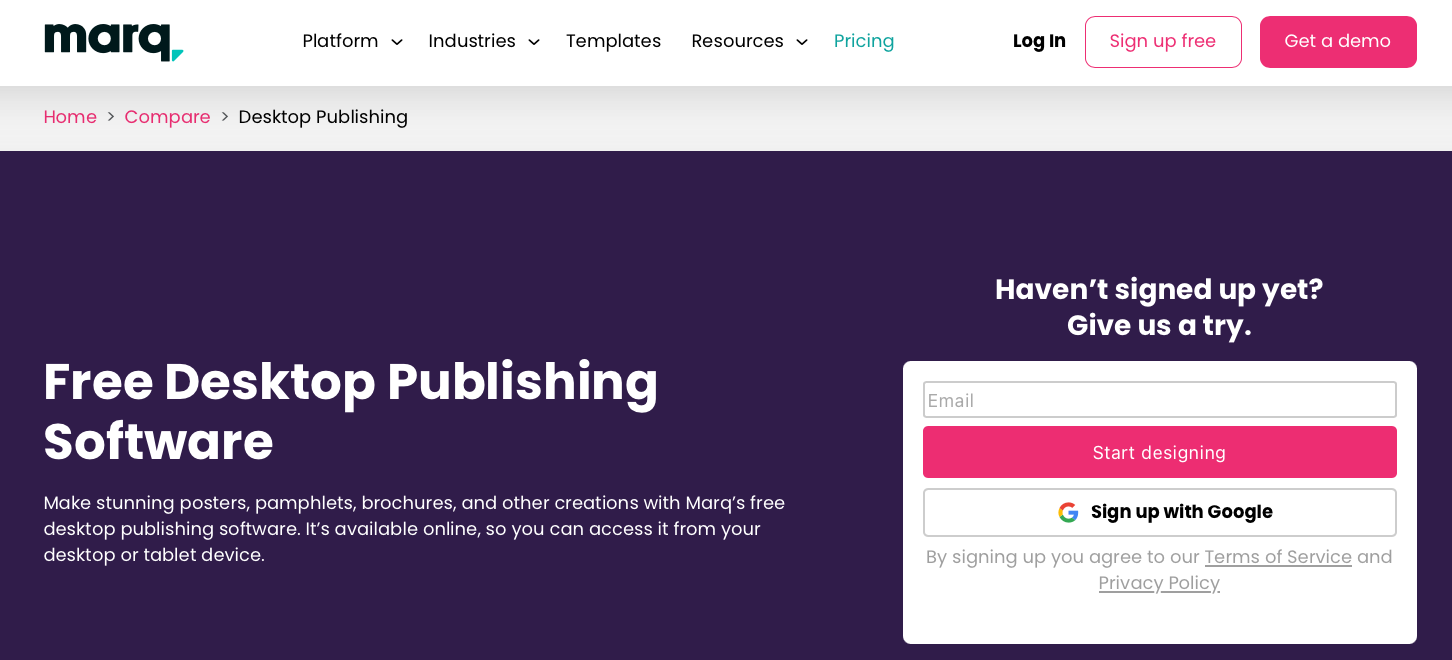
Marq, formerly known as Lucidpress, is a free cloud-based desktop publishing and brand management platform designed for businesses, marketing teams, educators, and organizations that need to create professional documents and marketing materials.
It provides customizable templates for brochures, flyers, newsletters, catalogs, reports, business cards, and other print-ready assets, along with drag-and-drop editing, real-time collaboration, brand asset management, and approval workflows.
Unlike PrintShop.com, which caters primarily to consumers creating personal projects, Marq focuses on maintaining brand consistency across teams through locked templates and shared brand libraries.
It also integrates with popular cloud storage and productivity tools, making collaborative publishing easier. While it is less suited for craft-style projects, Marq is an excellent PrintShop.com alternative for businesses seeking scalable, professional desktop publishing and streamlined brand management.
4. Easil
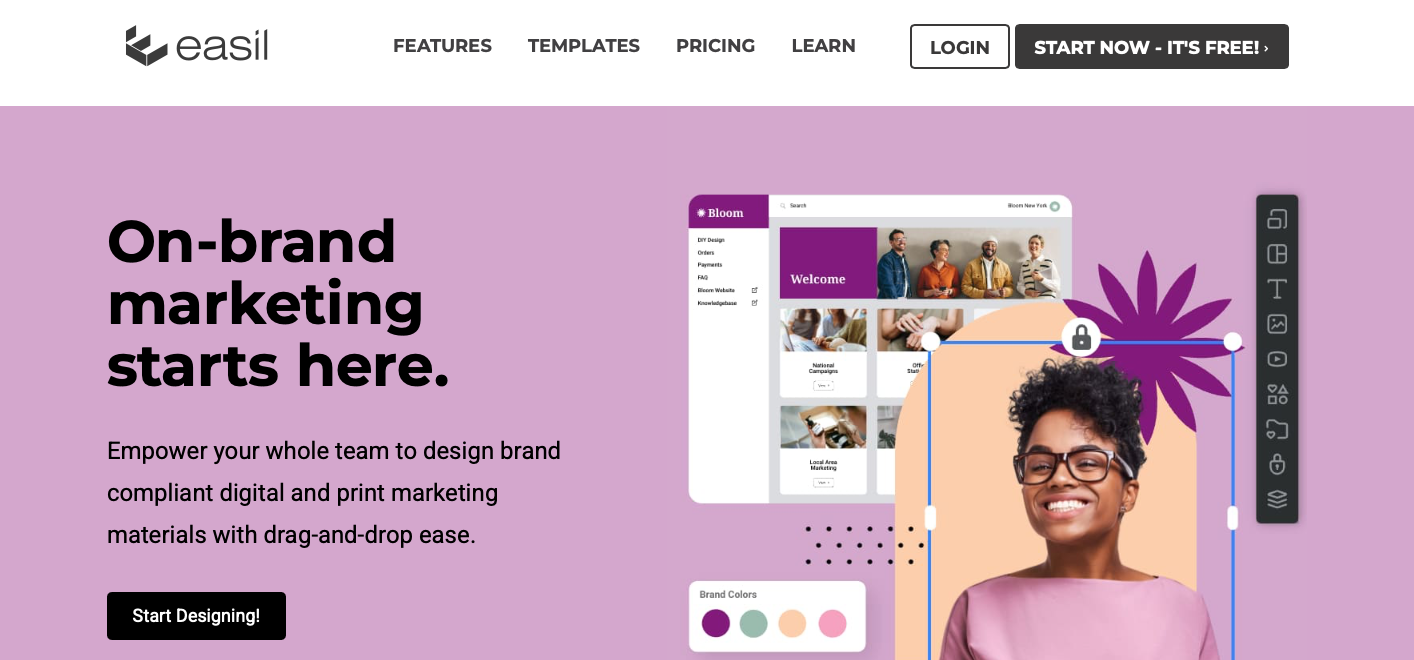
Clarity and simplicity are the two words that fully describe Easil. The tool has a unique design that is exclusive only to itself.
You can create anything here, from menus, flyers, business cards, catalogs, GIFs, posters, social media graphics, and other visual content.
The templates are vibrant, and the layouts are trendy. When working on your text, you can add some interesting effects like glow and shadows and even change the width and height of the letters. PrintShop doesn’t have these features.
Its editor has many design elements, including shape masks, illustrations, icons, images, and patterns. It also has a granular locking feature that enables teams to create templates for their projects.
It’s easy to create GIFs with Easil. This design tool is for you if you constantly use graphics in your blogs or social media visuals. It has thousands of templates in various styles for your social media projects.
Most of its designs are trendy, making it ideal for creative entrepreneurs, bloggers, startups, small enterprises, and small teams.
The basic plan is free.
5. Scribus
Scribus is a great alternative to PrintShop alternative with all the tools to produce print-ready projects. It’s a free, open-source desktop publishing software that’s pretty easy to use.
Scribus has advanced features to make your projects stand out. Whether it’s posters, books, leaflets, or full-blown magazines, you can make them interactive and exciting to read.
The program supports Windows, Linux, and Mac operating systems. The standout features include ICC color management, CMYK colors, spot colors, vector drawing tools, file import and export, emulation of color blindness, and more.
It also supports multiple file types, including saving work in PDF format, but its main file format is XML-based. Scribus is for designers who want to produce flyers, marketing brochures, business cards, resumes, letterheads, menus, PDF presentations, and posters.
The software comes with predefined templates to customize to your liking. Elements like curves, barcodes, images, text boxes, frames, tables, Bezier, shapes, and freehand lines are also available. Plus, you can import templates and edit them in Scribus.
The document layout, effects, and other editing functions make it worth being first on this list.
6. Visme
Powered by AI, Visme is another reliable tool to create engaging content, including graphics, documents, videos, infographics, and other publications.
It contains beautifully designed templates, a vast library of icons, charts, Gifs, illustrations, data widgets, and media elements like audio and videos. Editing and customizing content at Visme is a simple process.
The tool has a free basic plan complete with key features and storage for your projects. Its collaboration tools help you work with teams to complete projects on time. The version allows you five projects.
You can easily generate widgets and charts at Visme for your social media marketing. Other features include ready-made layouts, a brand kit to retain your logo and color scheme, import and export, and organization tools including analytics, file manager, and sharing.
7. Design Wizard
Design Wizard offers several design tools, including images, illustrations, graphics, videos, artboards, and layers.
It enables users to create the image and video designs from the two distinct editors: the video editor and the static graphic editor.
Design Wizard is for creators who want to create personalized designs that stand out. Its starter plan is free and equipped with exceptional features like the Facebook video maker, online video creator, video and photo templates, free image storage, and a free font library.
Unlike PrintShop Design Wizard has two different video and static graphics editors.
The software allows you to download your images in web and print quality. This is one of the best user-friendly graphics tools for your social media, presentation, and document-style projects.
You’ll need to choose your editing space between the video editor and static graphic editor within its editor.
8. Stencil
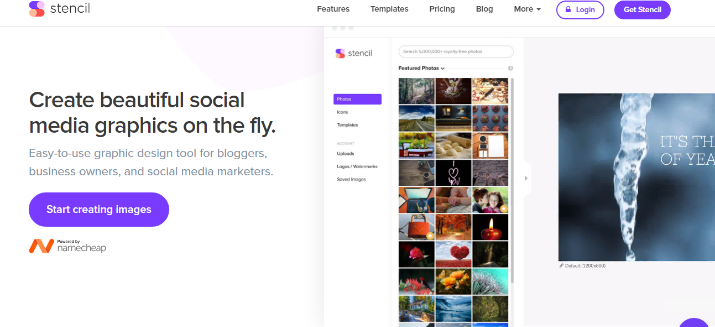
Stencil is another software with a sleek, simple-to-use design for generating high-resolution images. It’s ideal for small businesses.
It features unique design tools, including live previews, color picker, safe areas, etc. The Instagram SMS feature will send your designs directly to Instagram.
After project completion, you’ll be able to share them across all social platforms.
Stencil gives you access to thousands of templates, unlimited photos, quotes, icons, graphics, and fonts. It also has more than preset photo sizes to fit them in your presentations and social media projects.
You are allowed up to 10 collections, ten images, and 10 Instagram shares each month in its basic plan.
With Stencil, you use background images with text over them, then add shapes and icons to your design.
Its editor has a quotes section with plenty of quotes to add to the images you select for your background. PrintShop doesn’t offer quotes.
Stencil is designed for users who want to create their content fast and use quotes regularly. Its template list contains various sizes, including those for Zazzle products and Amazon shirts.
9. Affinity Studio
Affinity is a modern all-in-one creative design application developed after Canva acquired Serif.
It combines professional vector illustration, photo editing, and desktop publishing into a single application, replacing the separate Affinity Designer, Photo, and Publisher programs.
The software enables users to create brochures, flyers, business cards, posters, books, magazines, social media graphics, and other print-ready or digital designs using advanced typography, layer-based editing, color management, and precision layout tools.
Unlike PrintShop.com, which emphasizes beginner-friendly templates and home printing projects, Affinity Studio targets creators who want professional-grade design capabilities with far greater creative control.
It also includes optional AI-powered features and cloud integration through Canva while remaining free to use for its core tools.
Affinity Studio is an excellent alternative to PrintShop.com for users seeking a powerful, professional design platform rather than simple template-based publishing.
10. Xara Page & Layout Designer
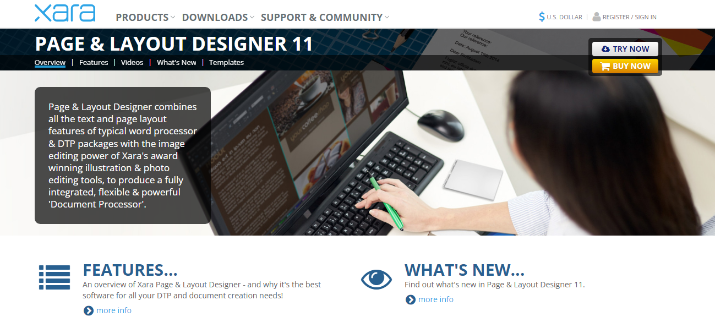
Xara Page & Layout Designer is a desktop publishing and document creation platform that works on Windows devices. It comes with text and layout tools accessed from a central platform.
Xara has an image editing system to use in exploring the photo editing and illustration tools to deliver projects that are fully integrated.
After utilizing Xara’s rich feature set, your pages and design layouts will be perfect. Its features and functionalities are well organized in categories, including an advanced text-handling system, 3D tools, abbreviation expansion, text styles, auto-correction system, fonts, auto hyphenation system, intuitive page layout, royalty-free templates, and more.
Compared to PrintShop, Xara Page & Layout Designer has a wide selection of rich features.
The integrated Magic Snap feature helps you arrange elements to find pages and layout designs with minimal effort. It has a dynamic snap lines system to show the corner point of objects and the page center when putting content.
11. Snappa
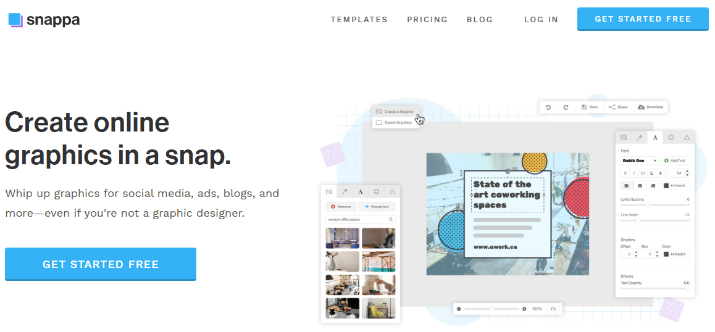
Snappa is another digital design software for creating graphics for advertisements, social media, profile pages, and blogs. It comes with a minimalistic editor with shapes, icons, photos, and vectors.
This platform has many unique templates and other rapid designing and customization features. If you are a blogger or social media marketer, Snappa will do you justice.
It has a free tier that allows you three downloads every month.
Snappa is a cloud-based, user-friendly graphics editor. It’s easy to create visual content without any complexities. And it offers more social media use cases compared to PrintShop.
Its graphics are free to use, letting you deliver designs with images without spending a dime. The tool supports collaboration when working in groups.
Share your completed graphics across social media platforms to promote your projects digitally.
12. Venngage
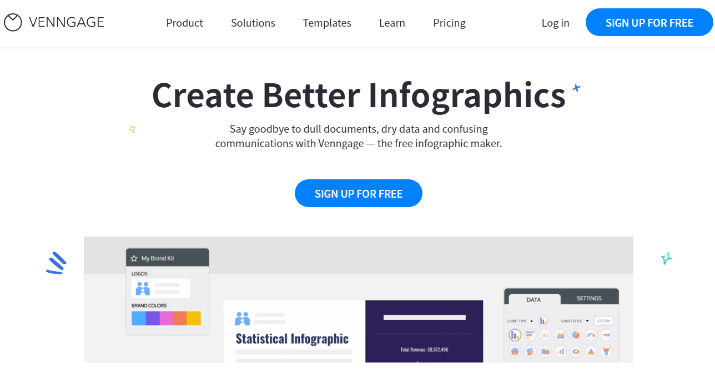
Venngage has a wide selection of templates to make your projects visually stunning. It’s an excellent software for designing cards, presentations, reports, postcards, eBooks, brochures, and other visual designs.
Venngage is also great at creating educational content. You can share learning materials and best practices with your audience while growing your design skills simultaneously.
The tool does pretty well when creating infographic content, flow charts, flyers, books, banners, banners, white papers, road maps, and other data visualization content. You’ll find plenty of templates for infographics and other design formats.
Venngage helps create infographics, something that PrintShop can’t do.
People prefer Venngage when they need to communicate their complex ideas using visual content. It’s beginner-friendly and lets you access advanced tools to start designing your digital content.
Signing up on this platform is free, and you can start creating right away.
13. Quark
Quark is best known for its professional desktop publishing solution, QuarkXPress, which is widely used by designers, publishers, marketers, and print professionals.
The platform enables users to create magazines, books, brochures, newspapers, catalogs, flyers, business cards, and other print-ready or digital publications with advanced page layout, typography, image editing, color management, and PDF export tools.
It also supports interactive digital publishing, responsive HTML5 publications, long-document management, and AI-powered writing and image features.
Unlike PrintShop.com, which focuses on simple, template-based designs for home and small business users, QuarkXPress is built for professional publishing and commercial print production.
Although it has a steeper learning curve and higher price, Quark is an excellent alternative to PrintShop.com for users who need enterprise-grade desktop publishing, precision layout control, and advanced print production capabilities
Wrapping Up
Canva is the winner. The reasons are many.
You can use it on the web. Anytime, anywhere, giving you the liberty to collaborate with your team.
Besides, you get tools for everything. Countless templates offering great flexibility. What’s more, you get the goodness of AI in all you create.
Try it once, and you won’t go back.